Puddlecraft
Procedural puddles, rain, drip edges, spouts and surface water flow for the Universal Render Pipeline.
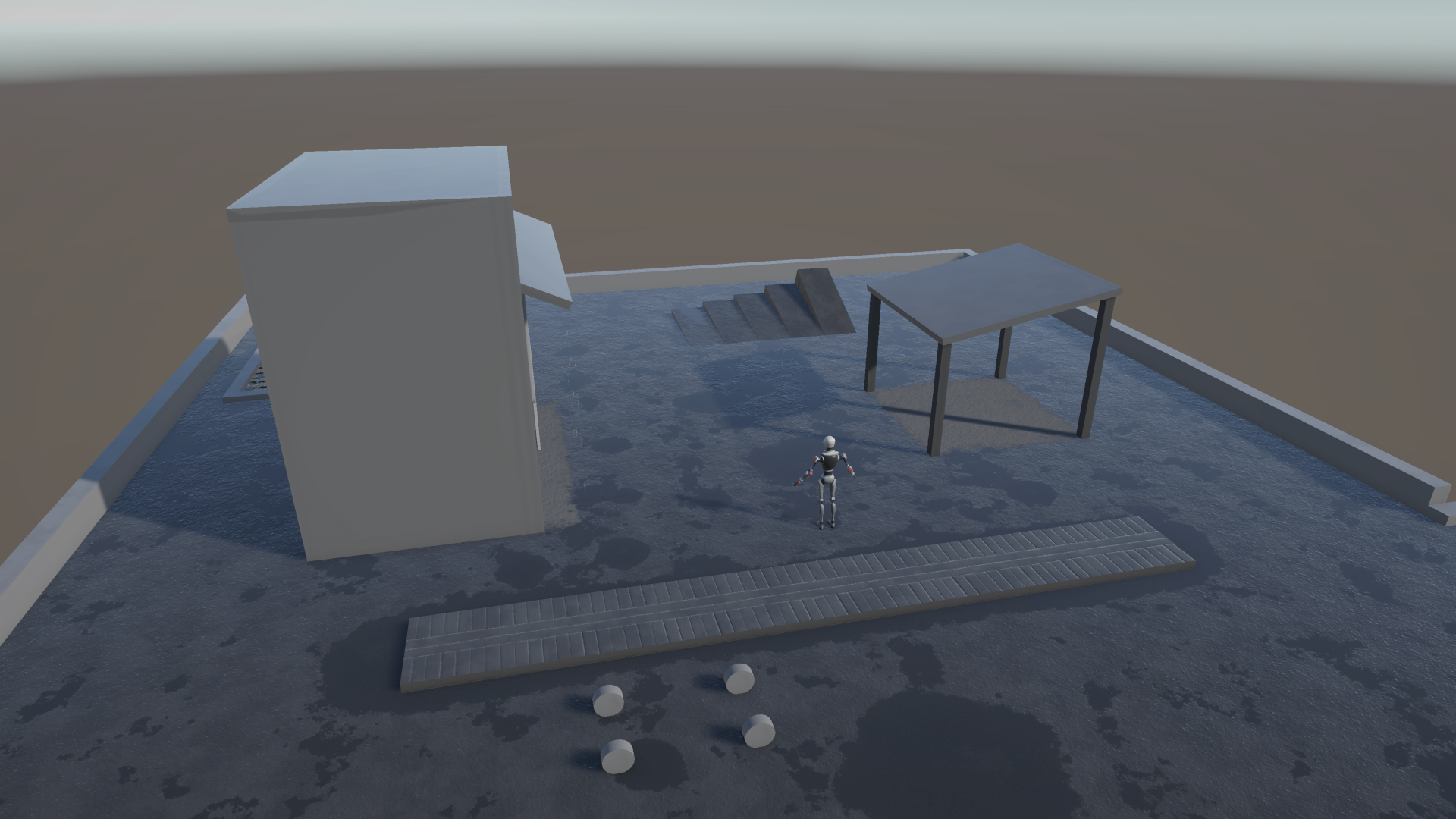
Puddlecraft runs your whole scene off one rain state. Turn the intensity up and the ground darkens and turns glossy, water starts running down slopes, procedural puddles spread across the paving and the puddles you placed by hand fill up. Stop the rain and it all plays out in reverse: the water drains and the ground dries.
You can drive that from your own weather system. Or just set it in the inspector and start the scene halfway through a storm.
What's in it
- Placed puddles. Stamp reusable puddle shapes (splats) onto any surface. They fill in the rain and drain slowly afterwards, or keep their water if you'd rather. A puddle can also ignore the weather and the roof over it and stay full indoors. See Puddles & Splats.
- Wet ground. Everything the sky reaches gets wet. In a downpour it grows procedural puddles and water runs down the slopes, and afterwards it all dries out. See Wet Ground & Materials.
- Rain and splashes. GPU rain streaks around the camera, tilted by the scene's Wind Zone, splashing on the first surface they hit. See Controller & Rain Presets.
- Rain cover. Roofs, awnings and bridges keep the rain off, either in realtime around the camera or baked. See Rain Cover.
- Ripples. Raindrop rings, waves lapping in from puddle edges, wind waves, and ripples from footsteps, drips and spouts.
- Drip edges and spouts. Drops falling from ledges and streams pouring from drainpipes. They start a little after the rain does and keep going for a while after it stops, because the roof is still draining. See Drip Edges & Spouts.
- Audio. Procedural rain that goes muffled indoors, inside Cover Volumes you place, plus drips and spouts. See Audio and Cover Volumes.
- Wet tracks. Walk or drive out of a puddle and you leave wet footprints or tyre tracks on the dry ground behind you, drying from the edges in. See Wet Tracks.
- Gameplay API. Ask how wet the ground is at a point, push ripples into water, leave wet tracks, react to drips. See Scripting.
Requirements
- Unity 6.3 (6000.3.22f1) or newer.
- Universal Render Pipeline 17.3.
New here? Getting Started takes you from an empty scene to rain in a few steps.
If you'd rather poke at something finished first, import the Demo sample: open Window > Package Management > Package Manager, select Puddlecraft, open the Samples tab and click Import next to Demo. Every screenshot in this manual was taken in that scene.